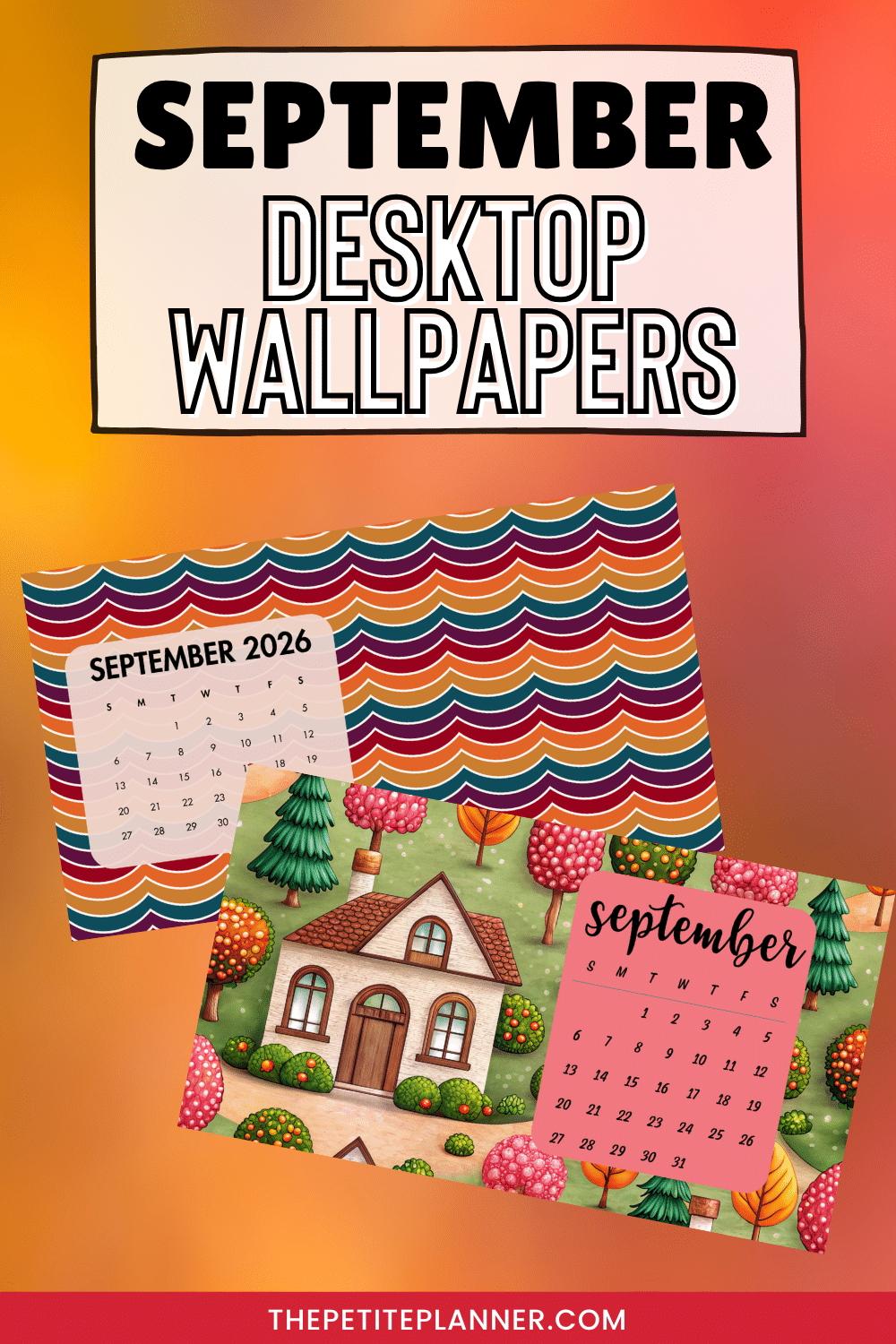
September’s here, and it’s time to give your desktop a fresh look. We’ve created some some beautiful (free) wallpapers you can download right away. From vibrant autumn colors to cute Hello Fall designs, there’s a September desktop wallpaper to match your mood this month. Click to download your new favorite wallpaper today!
Please give this post some time to load. It is image heavy!
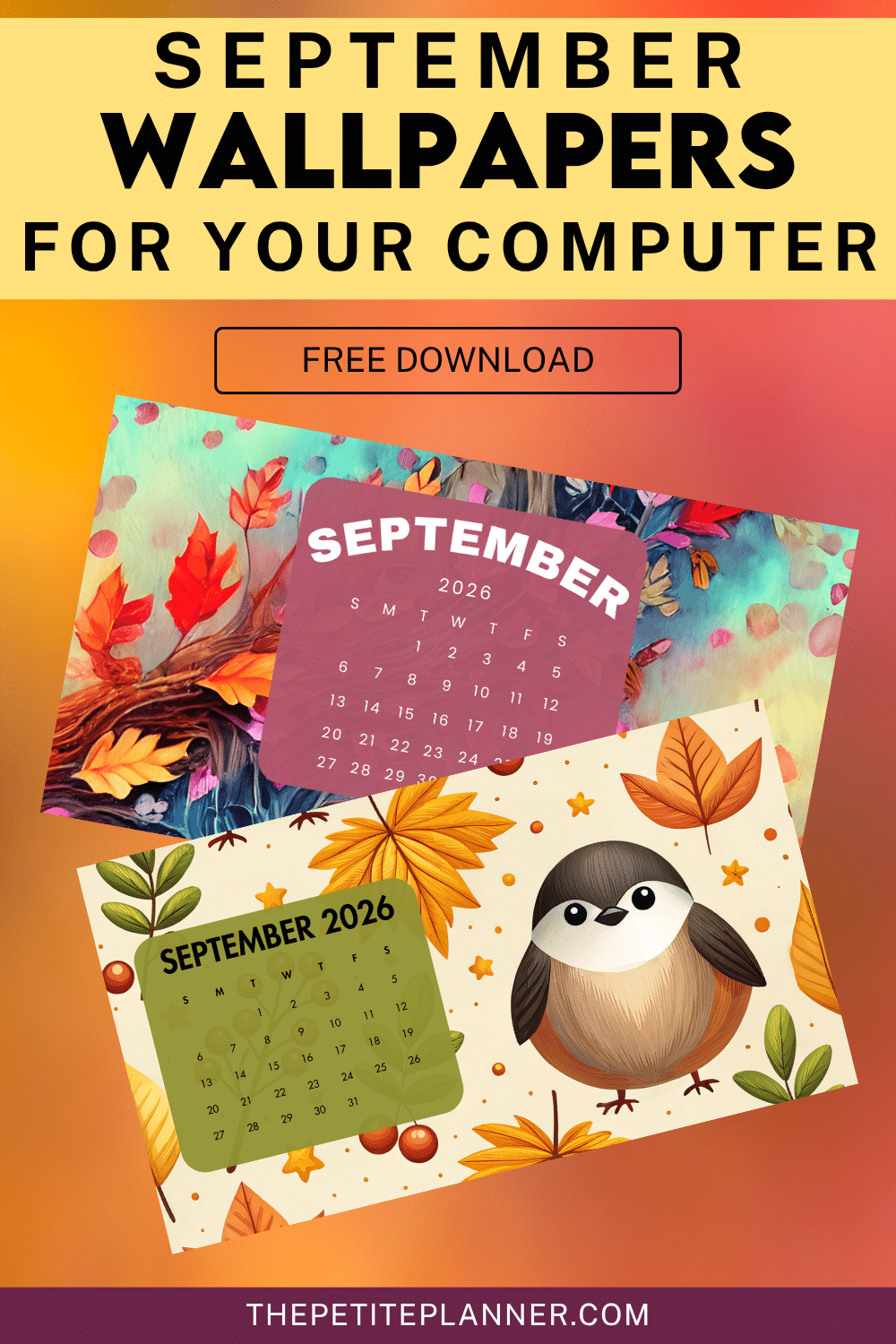
Free September Desktop Wallpaper
All the backgrounds include September calendars to help you stay on top of things when life gets busy. Downloading a new desktop wallpaper each month is a fun way to stay inspired. Plus, it’s always nice to have a cute background when you start your computer!
September feels like the start of fall, but it can still be warm. So, I picked a mix of wallpapers with warmer colors. They all have that cute factor, of course! If you’re looking for a fun vibe for your September desktop background, I think you’ll like what I put together this month!
September Wallpapers
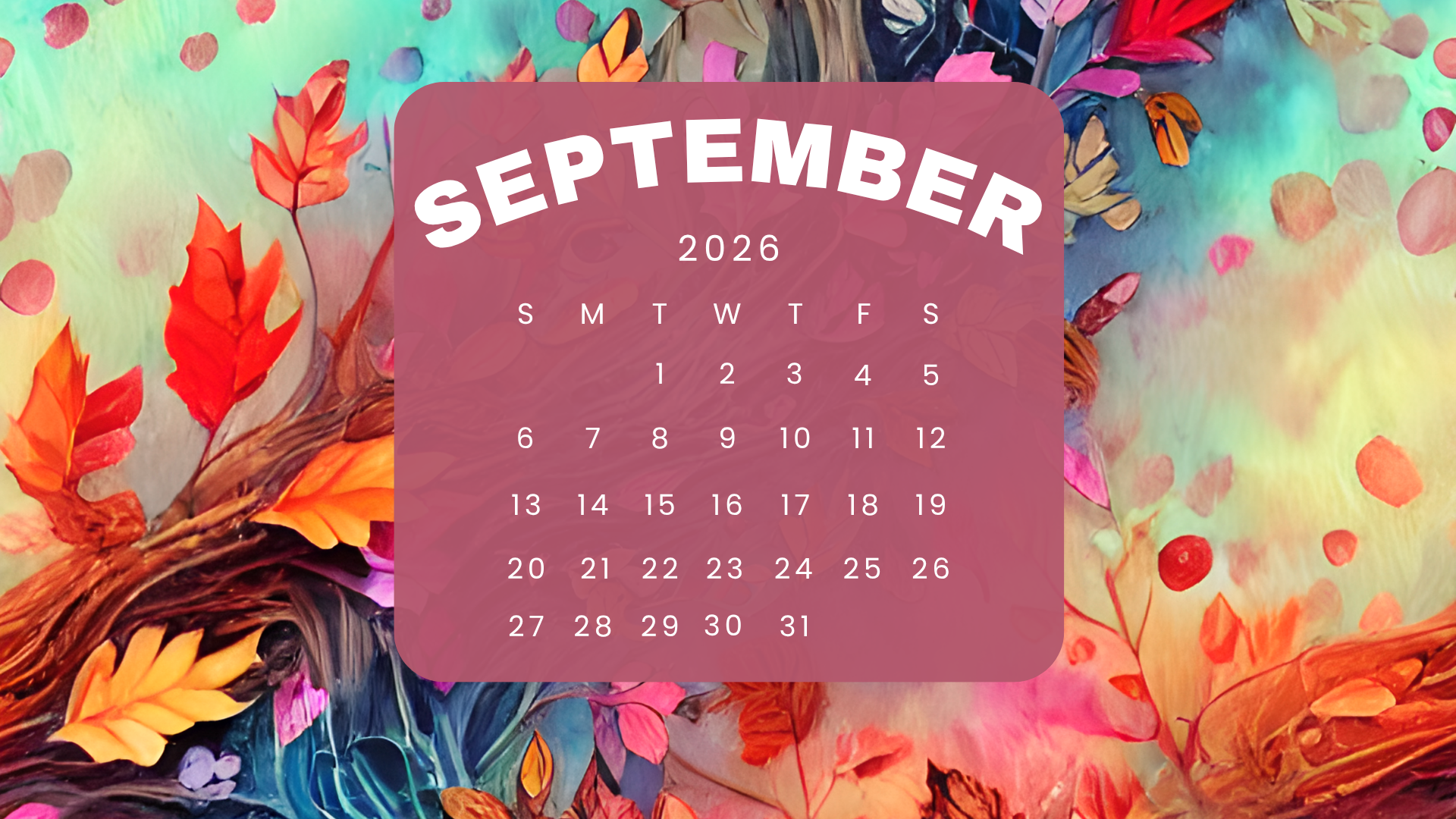
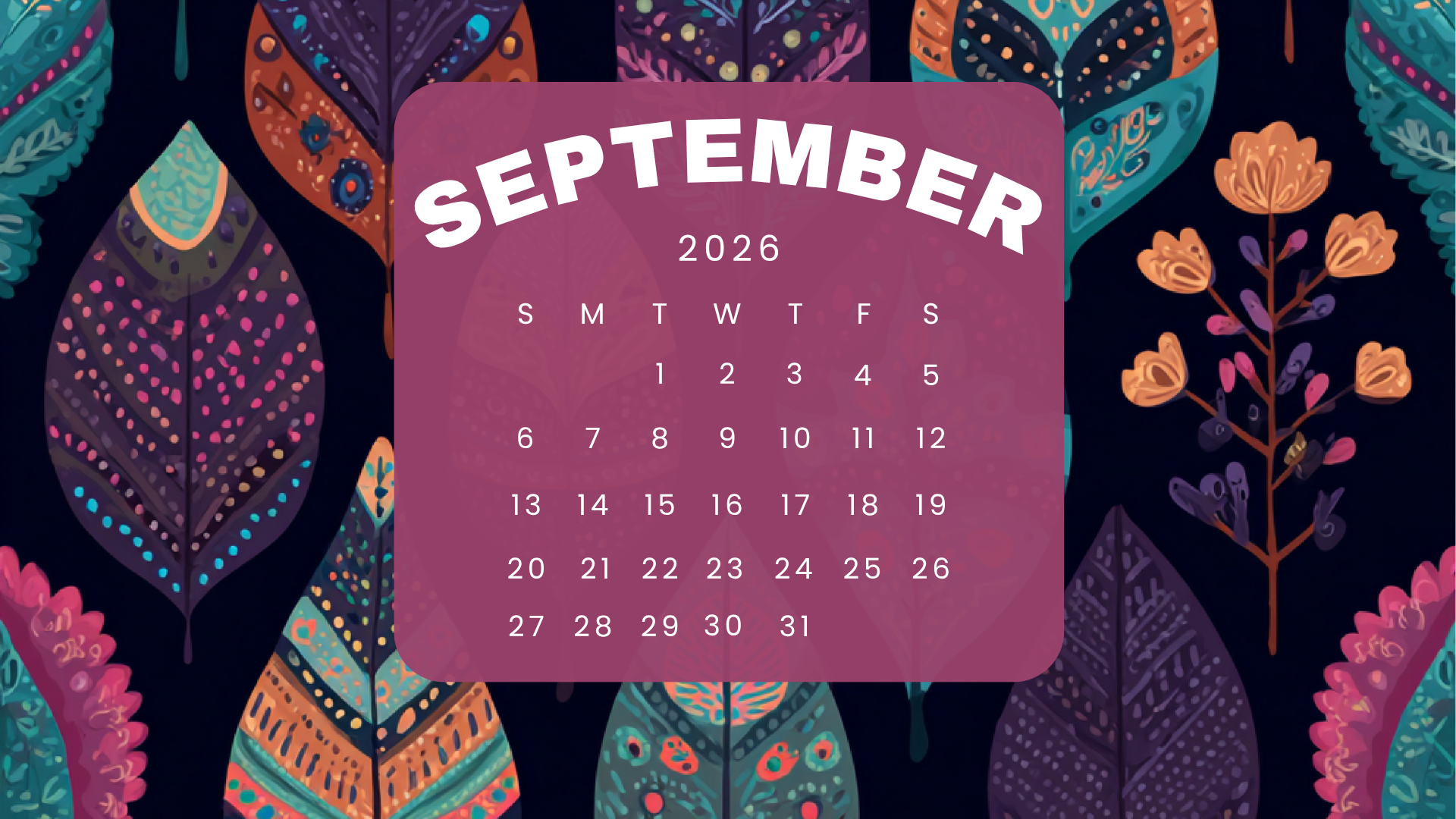
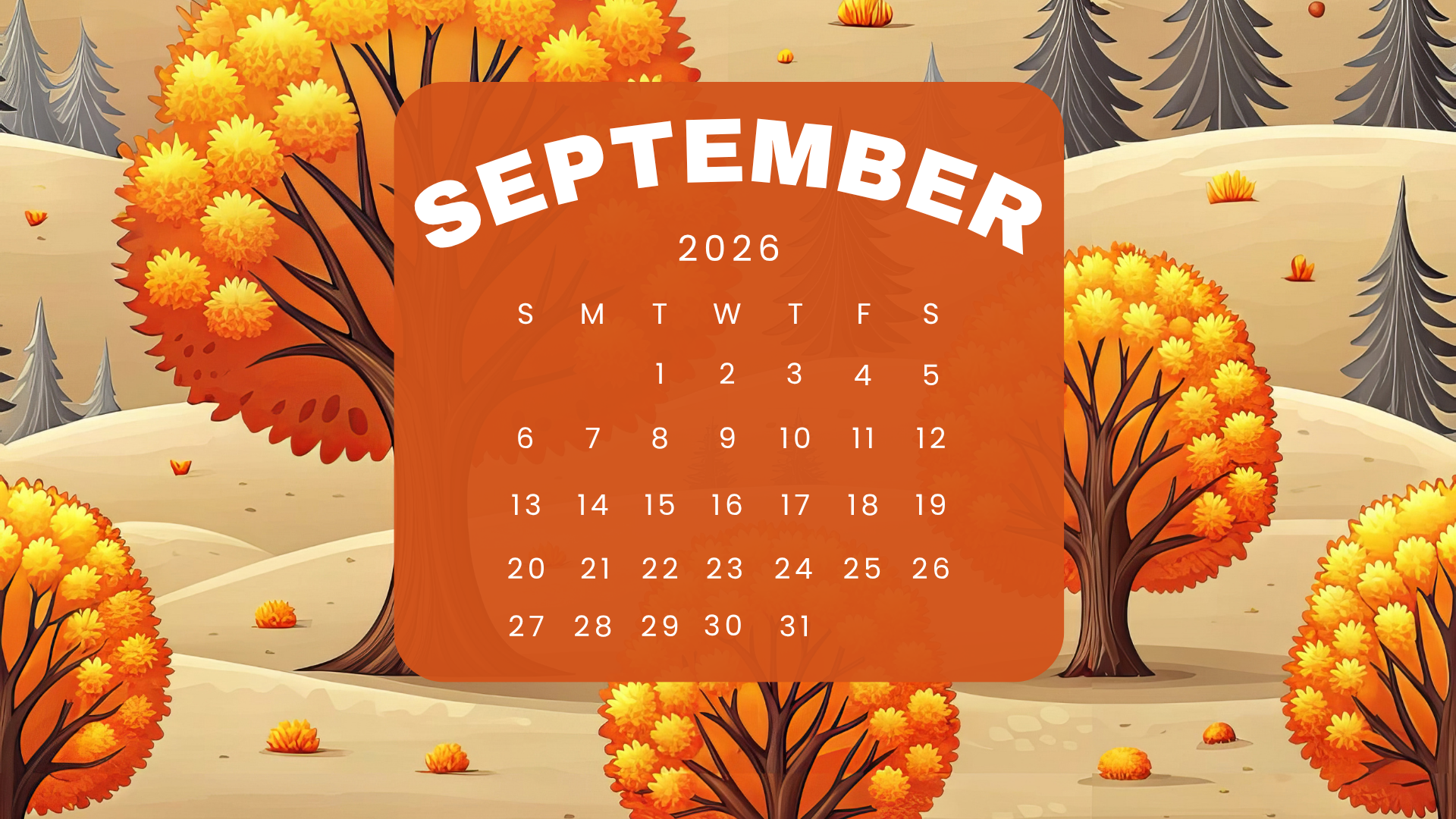
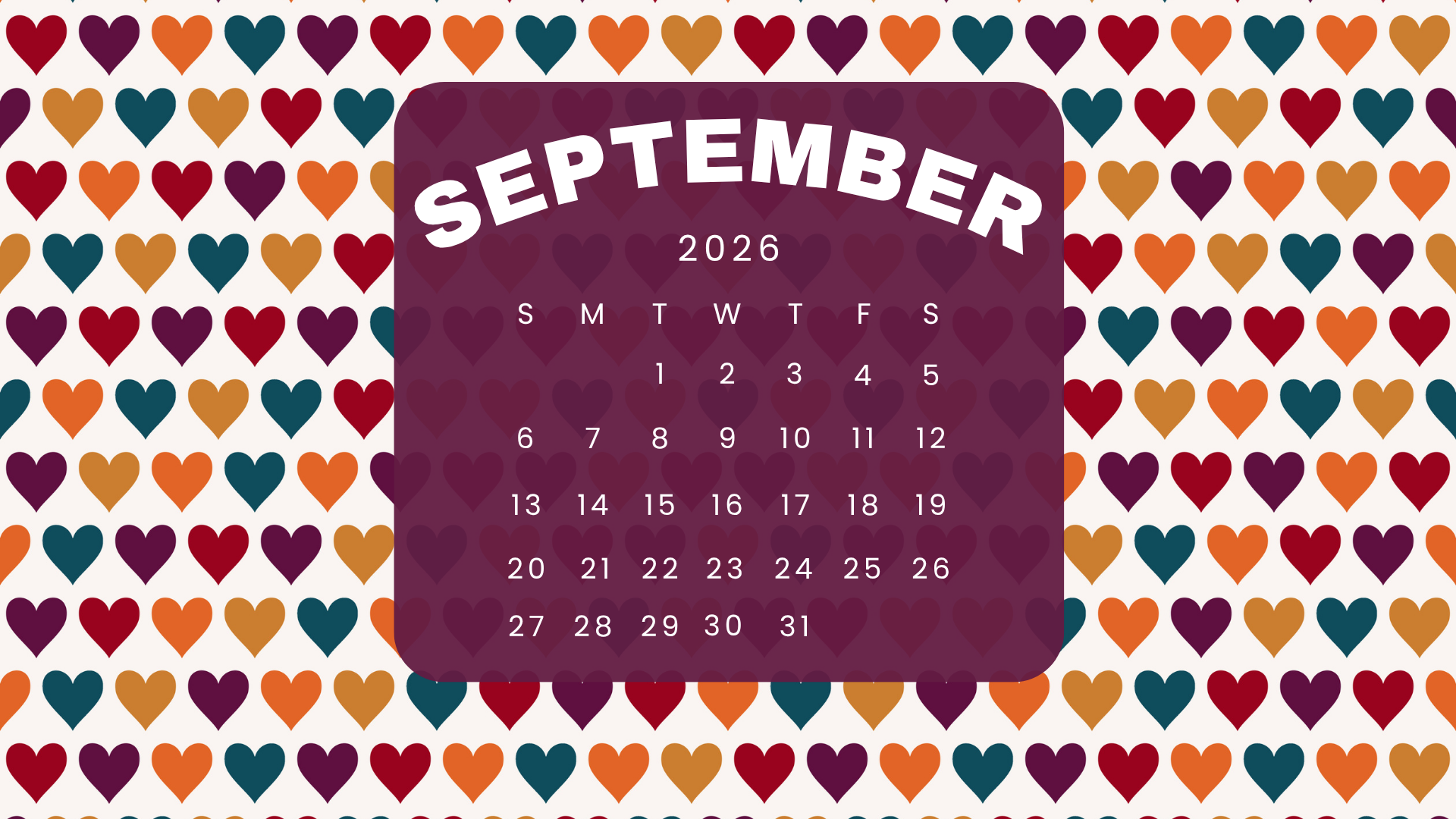
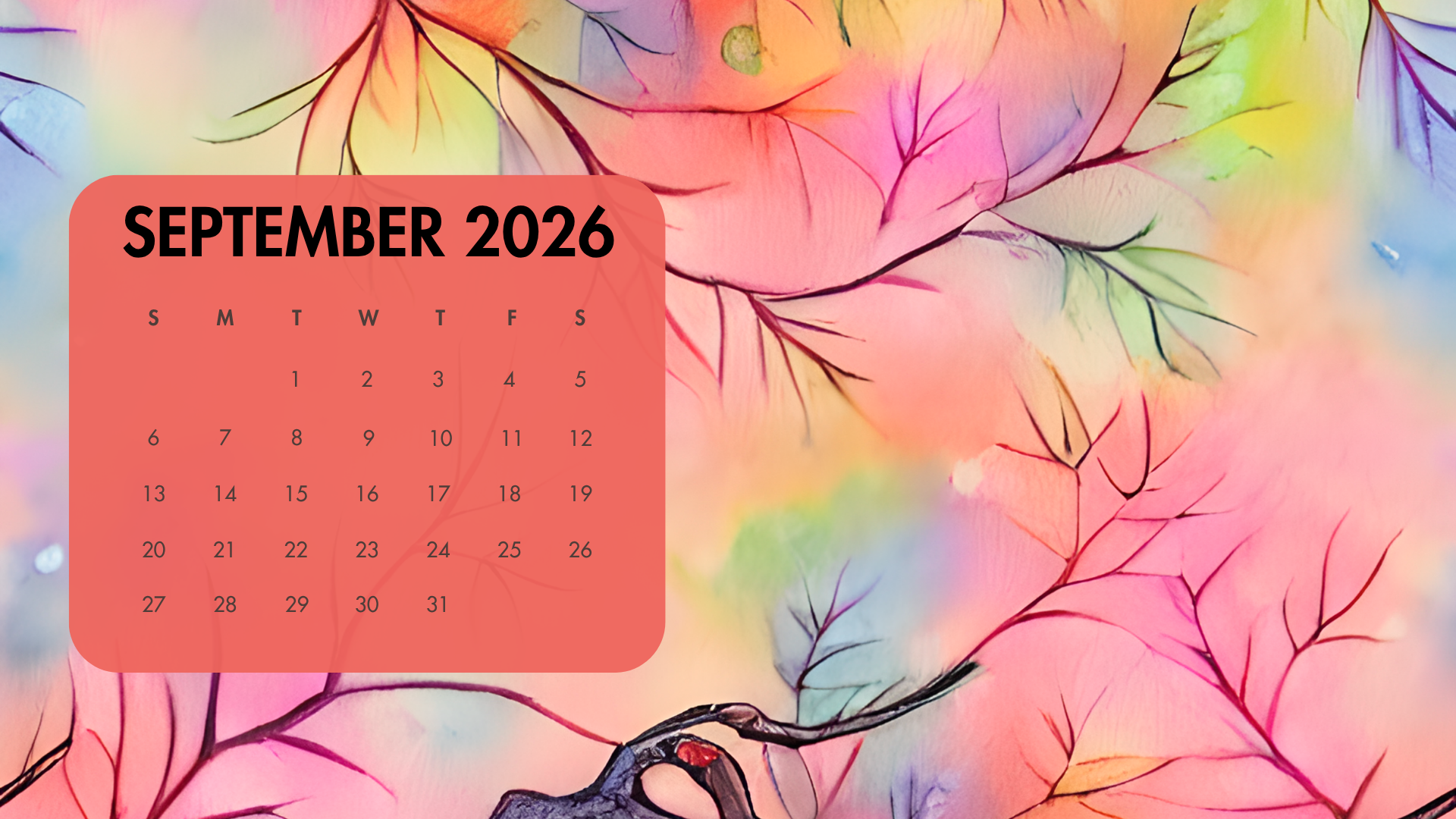
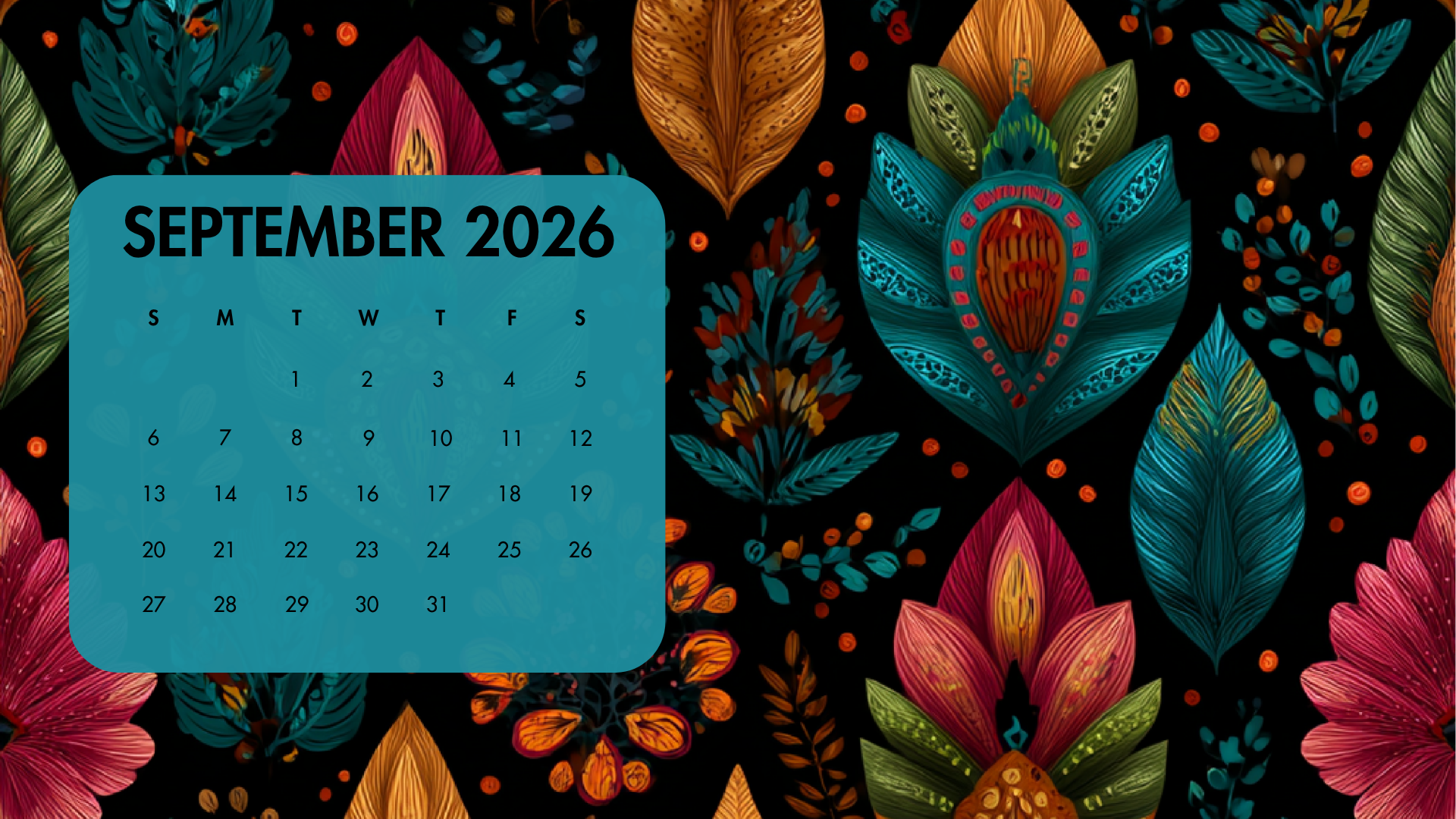
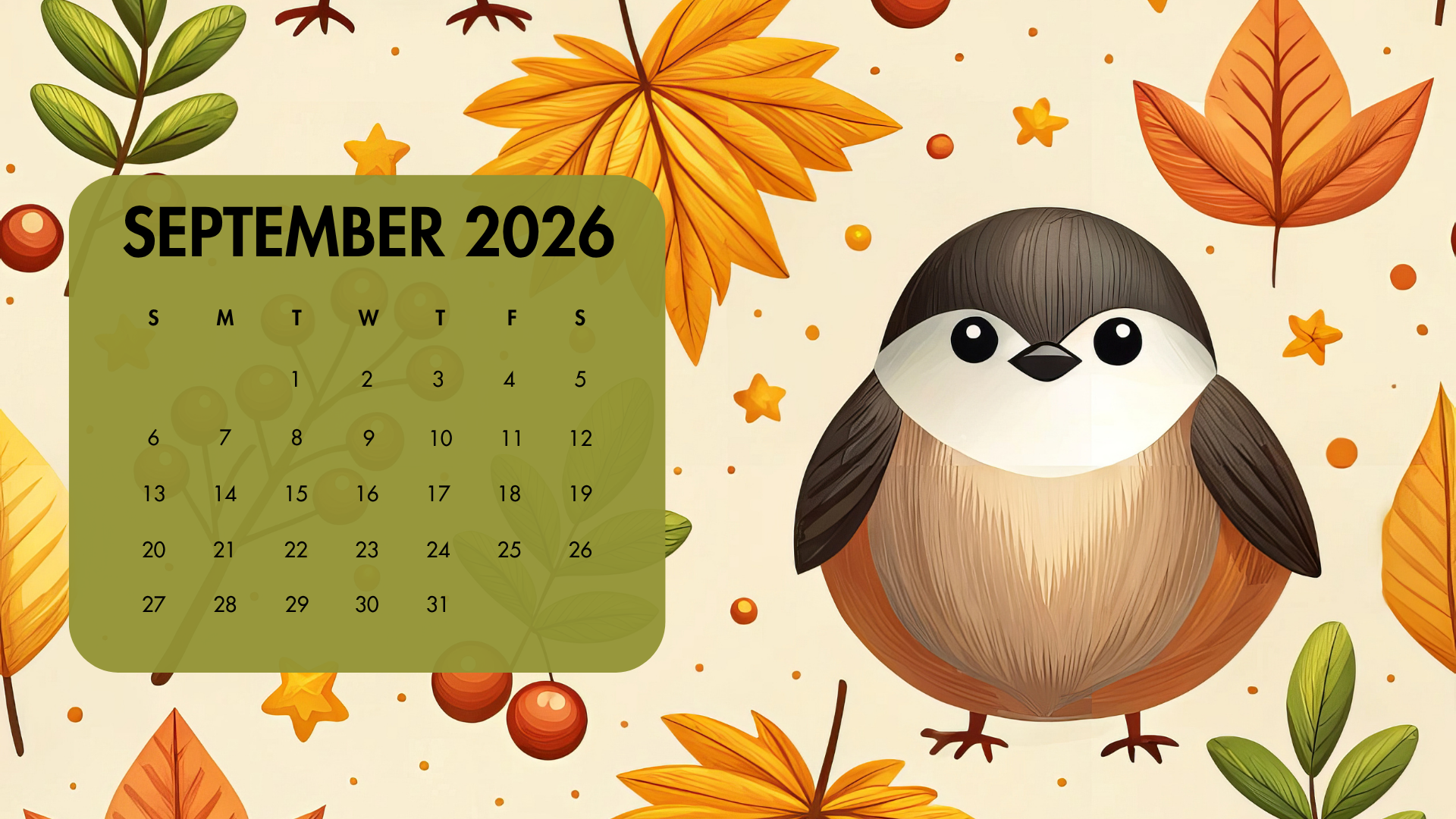
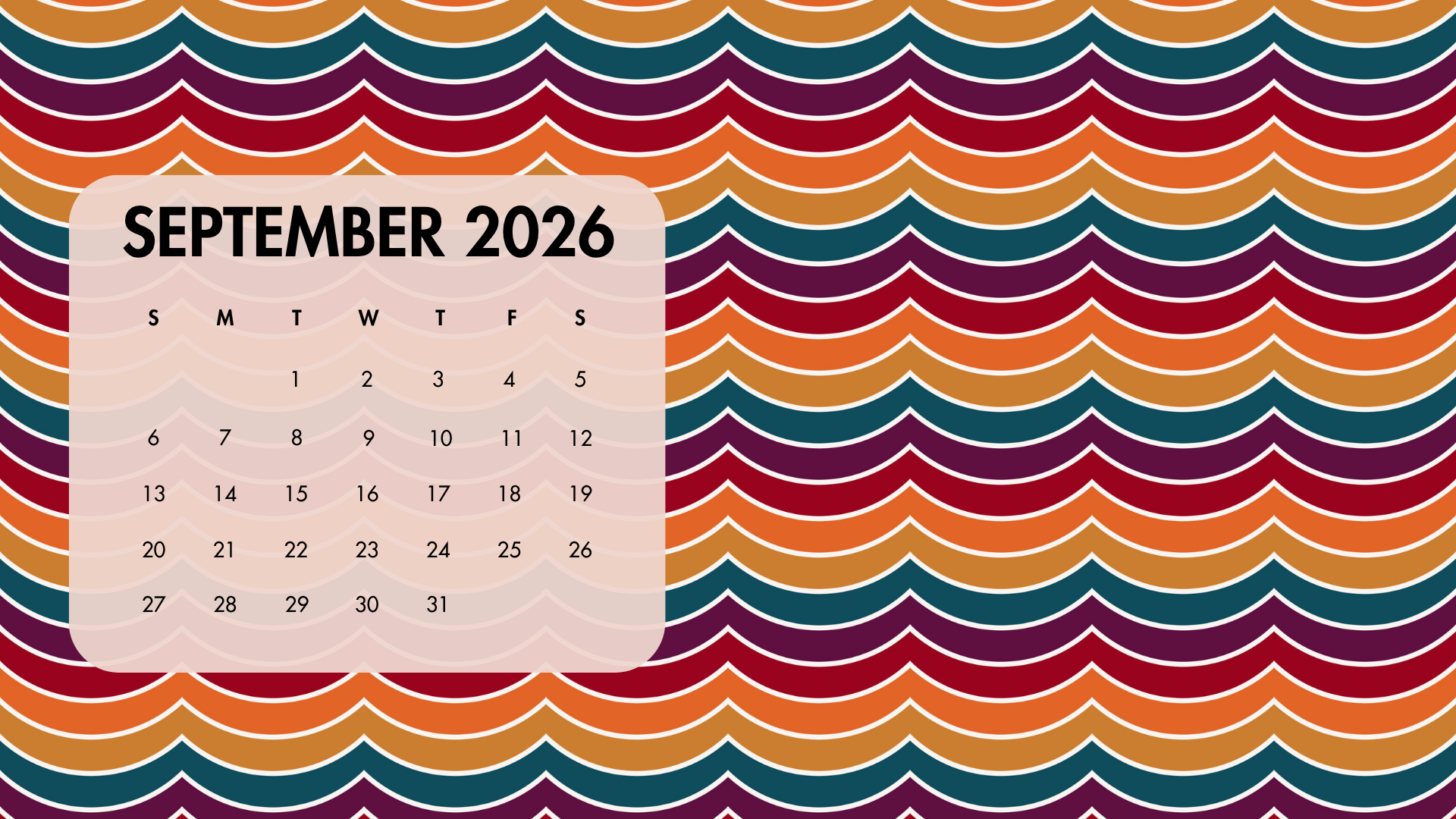
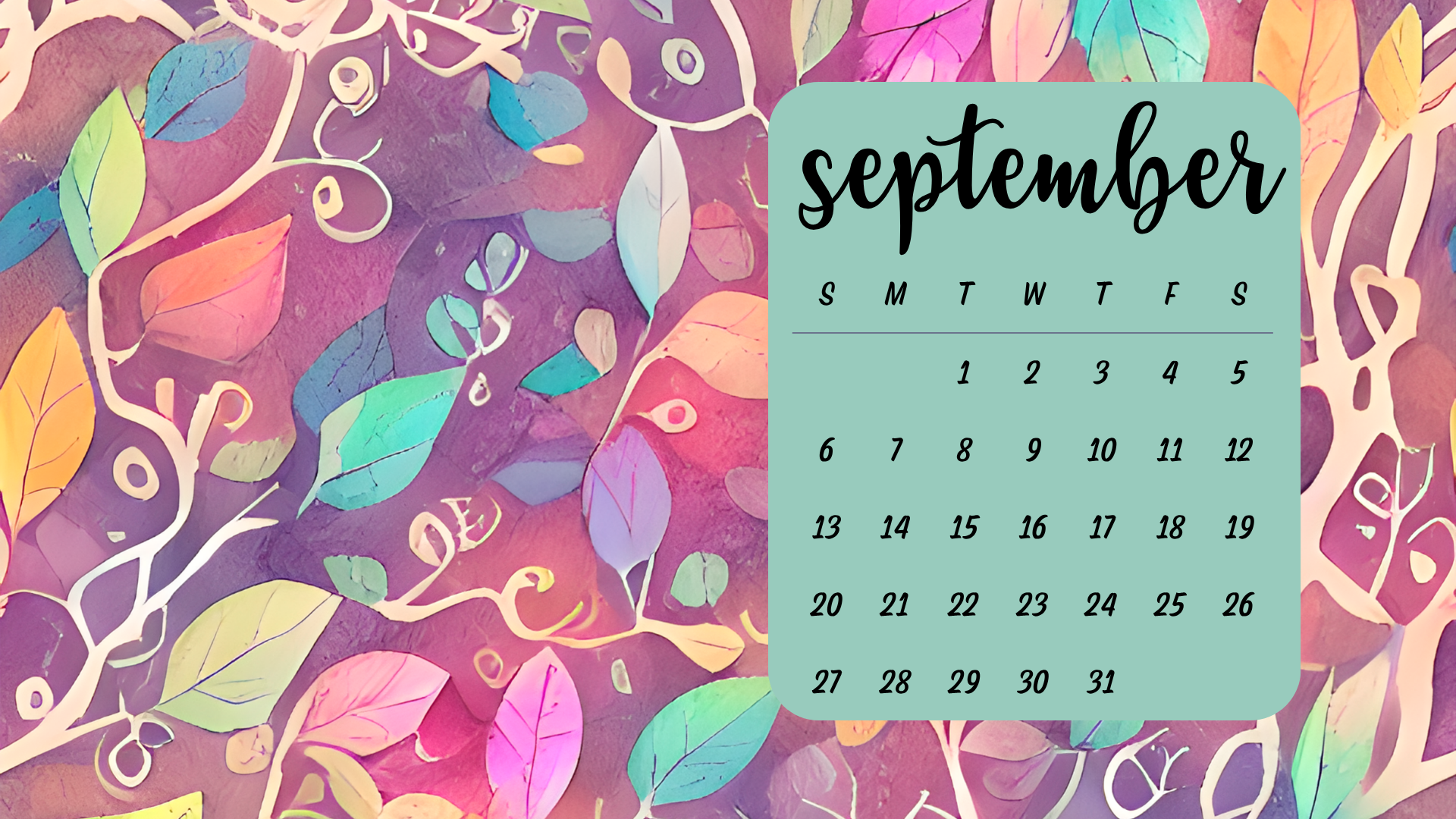
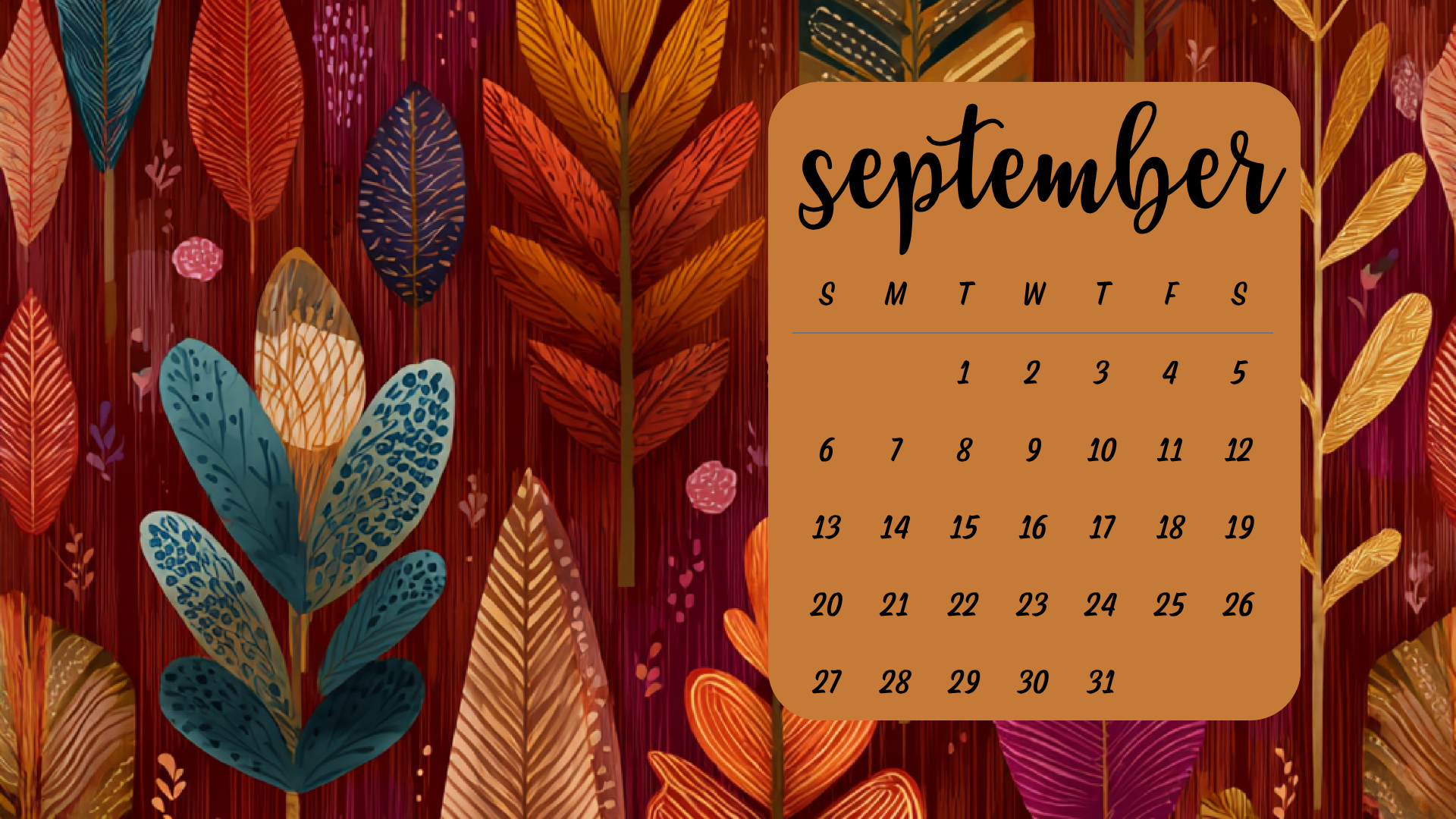
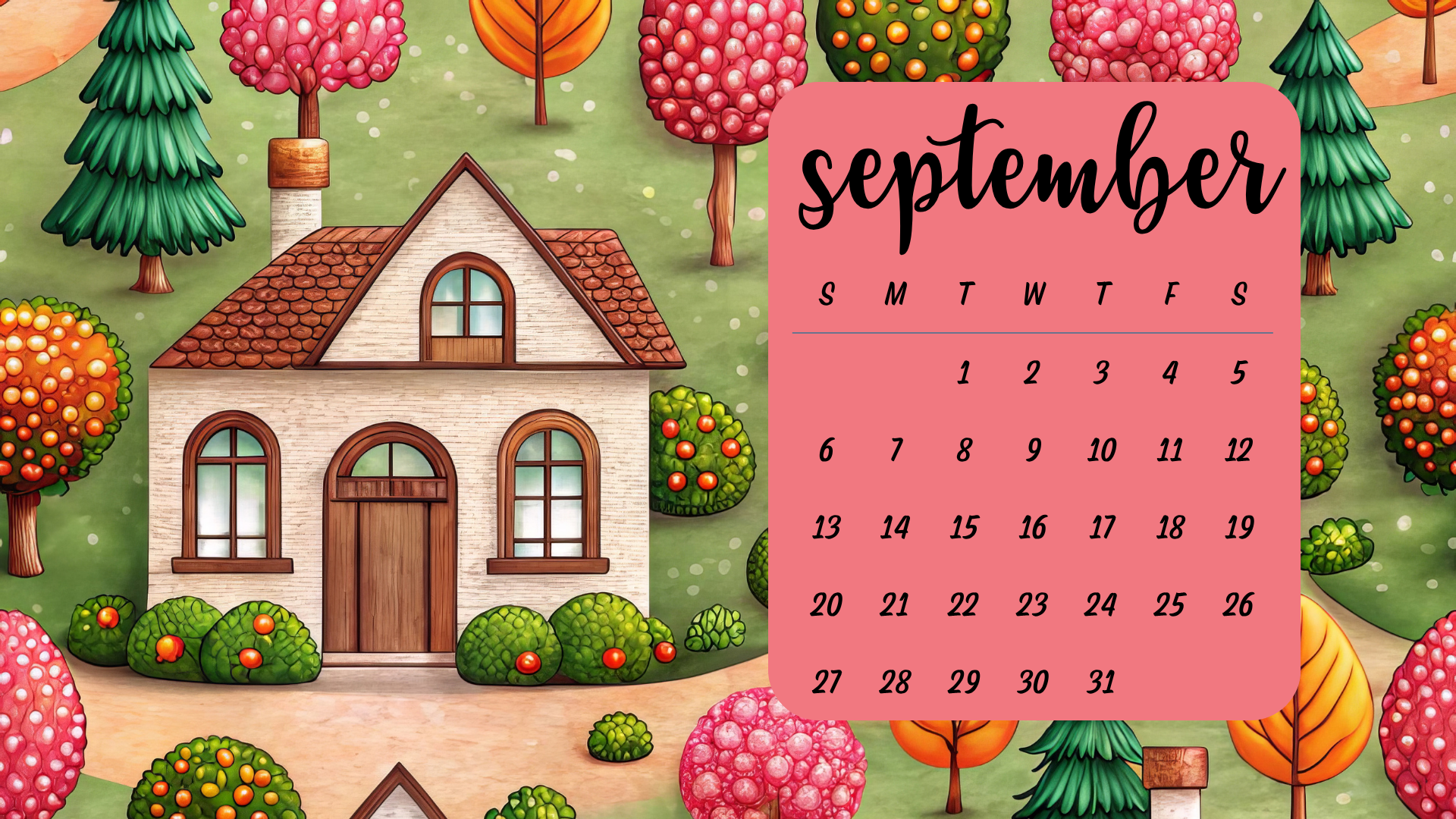
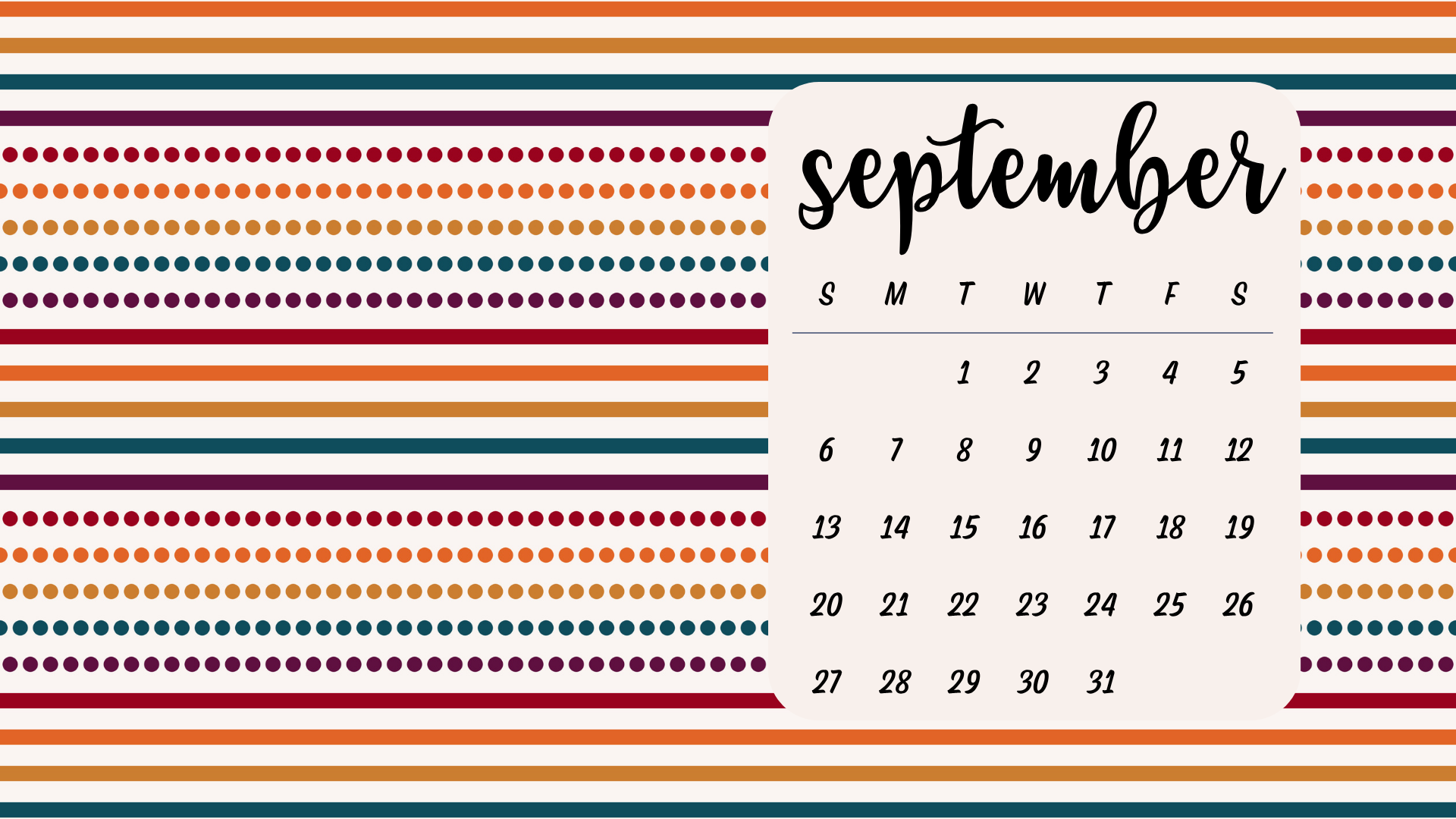
Switching up your desktop wallpaper might seem like a small thing, but it really has several benefits. Especially during September, when we’re really starting to get back into the business of life that the fall season can bring.
A fresh background can boost your productivity. Staring at the same old image every day can get boring and tiring. It’s time for a change! Plus, it’s just a fun thing to do.
To get new September desktop backgrounds, click on the image you like. It will open in full size, and you can save it to your computer. You can also download the zip file of all of the backgrounds for full high-quality wallpapers. You will find the link to the zip file at the bottom of the post.
You can obviously use these as September desktop backgrounds but you can also use them as your September screensaver! So grab as many as you like!
Click the link below to download all of the backgrounds show above.
If you’re looking for more printables and planners, be sure to join the email list to get updates each week!
How to Customize Your Desktop Wallpaper
Changing your desktop wallpaper is pretty easy but it is different depending on which operating system you use! I’ve included the directions for Windows and Mac.
Windows OS
- Right-click on your desktop.
- Select Personalize.
- Go to the Background section.
- Click on Browse to choose your desired wallpaper.
- Select the image and click Choose picture.
macOS
- Open System Preferences.
- Click on Desktop & Screen Saver.
- Click the + button to add a new folder or select a built-in option.
- Choose your desired wallpaper from the list.
Pin This Post